Is WordPress Good for Small Business in 2026? WordPress vs a Custom Website
If you are getting a new website, someone will ask early on: "Do you want WordPress, or a custom site?" Most business owners have no idea how to answer, and they should not have to. This guide explains the difference in plain English, when WordPress is a good choice, when a site built on a modern code stack is the better fit, and the questions that actually decide it.
We are Dragonfly Web Designs, a web design and SEO studio in Silver City, New Mexico. We build every new site on a modern code stack (Next.js and React), and we also maintain WordPress sites for longtime clients. So we work with both every week, and we will tell you where each one shines.
What is WordPress, in one paragraph
WordPress is free software for building and running websites. It started as a blogging tool and grew into the most widely used website platform in the world. A WordPress site is a theme (the design) plus plugins (add-ons for forms, SEO, booking, security and almost anything else), running on a web host, with a dashboard where you can log in and edit pages yourself.
What is a "custom" or modern code stack website?
A site built on a modern code stack is written with developer tools like Next.js and React rather than assembled from a theme and plugins. It is served from a fast global network, and there is no stack of plugins to load when a visitor arrives. The site does exactly what it was built to do and nothing else. Changes are made by your developer, or through a simple editor if one is built in.
"Custom" does not have to mean expensive. It describes how the site is built, not what it costs.
Is WordPress good for small business?
Yes, for the right business. WordPress is a good fit when:
- You want to edit everything yourself, often, without calling anyone. Blog posts, new pages, new photos, all from a dashboard.
- You publish a lot of content. WordPress was built for blogs, news and large content libraries, and it is still very good at it.
- You need a specific plugin. Some industries rely on a particular WordPress plugin for bookings, memberships, real estate listings or courses.
- You or someone on your team already knows it. That knowledge is worth something.
- You want to switch developers easily. WordPress developers are everywhere, so you are never stuck with one person.
Where WordPress costs small businesses time and money
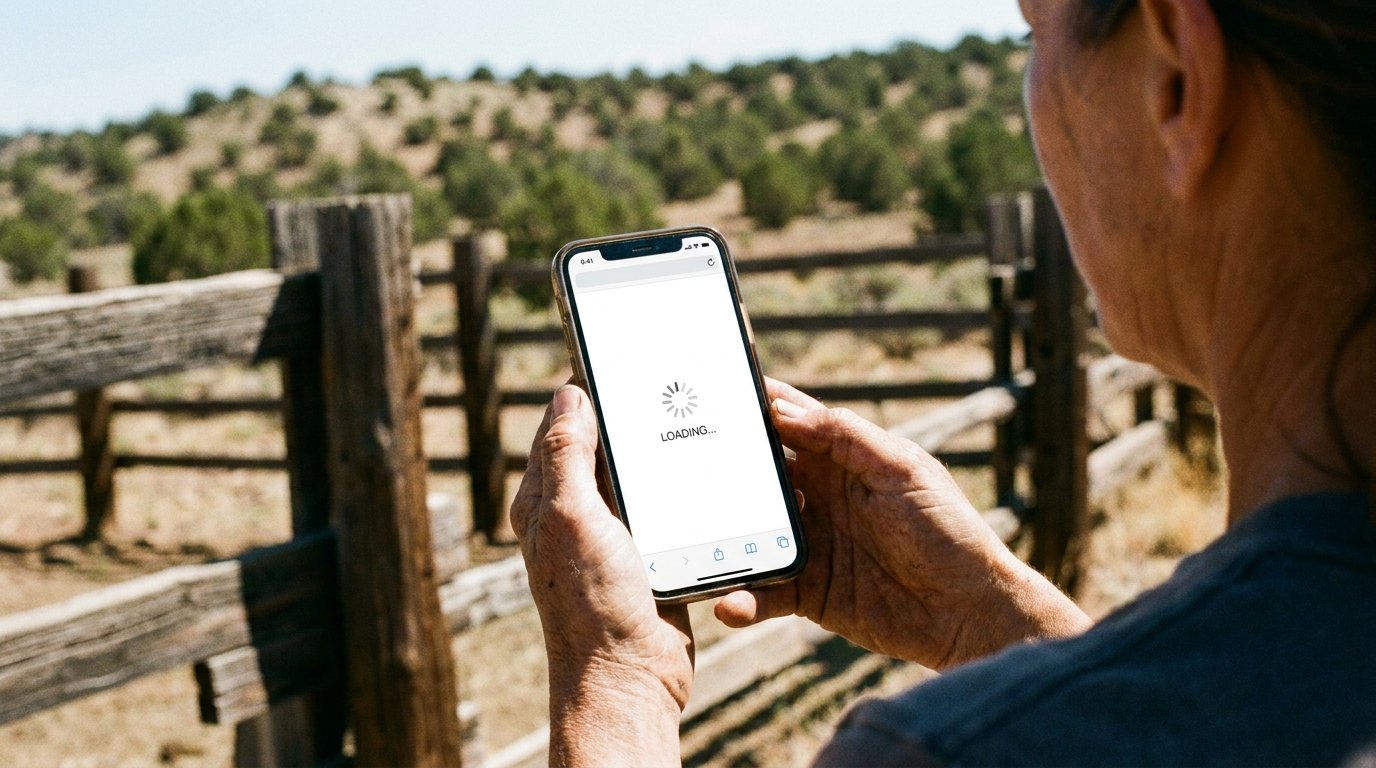
The trade-off for all that flexibility is upkeep. These are the problems we see most often when a small business owner calls us about a WordPress site:
- Speed on a phone. Every plugin adds code. A site with a heavy theme and 20 plugins can take several seconds to load on cellular data, which matters in Grant, Luna, Hidalgo and Catron counties, where many visitors are on a phone, out of town or on a job site.
- Updates that never stop. WordPress, the theme and every plugin release updates all the time. Skip them and the site becomes a security risk. Run them and something occasionally breaks.
- Security. Because WordPress is so popular, automated attacks target it constantly. A well kept WordPress site is safe; a forgotten one is an easy target.
- Plugin conflicts. Two plugins that each work fine can break each other after an update, and figuring out which one did it takes time.
- Hidden costs. Premium themes, paid plugins, better hosting, a security service and someone to run updates each add a line to the bill.
None of this means WordPress is bad. It means a WordPress site needs someone looking after it, every month, or it slowly gets slower and riskier.
WordPress vs a custom website: side by side
| WordPress | Modern code stack (Next.js, React) | |
|---|---|---|
| Editing it yourself | Easy, from a dashboard | Through your developer, or a simple editor if one is built in |
| Speed on a phone | Depends on the theme, plugins and hosting; often slow without tuning | Fast by default; no plugins to load |
| Security | Needs regular updates and monitoring | Far fewer moving parts to attack; no plugins to patch |
| Monthly upkeep | Core, theme and plugin updates, backups, monitoring | Very little; mostly content changes |
| Features | Thousands of plugins | Built for what you need; anything can be added, but by a developer |
| Finding a developer | Very easy | Easy, though fewer local freelancers |
| Best fit | Content-heavy sites, owners who edit daily, plugin-specific needs | Service businesses that want speed, low upkeep and someone else handling changes |
When we recommend each one

Choose WordPress if you want to log in and change your site every week, you run a content-heavy site, or your business depends on a specific WordPress plugin. Budget for monthly updates and security, either your own time or a paid care plan.
Choose a modern code stack if you run a service business (contractor, clinic, shop, guide, salon, consultant) where the website's job is to load fast, show up on Google and make people call or book. You would rather text your web designer "please change our hours" than learn a dashboard, and you do not want to think about plugin updates ever again.
That second group is most of the small businesses we work with in Southwest New Mexico, which is why every new site we build runs on a modern code stack.
Is WordPress still relevant in 2026?
Yes. It still runs a huge share of the web, and it is not going anywhere. What has changed is the alternative. A few years ago a custom-coded site meant a large upfront bill and a developer you had to chase for every change. Today, modern frameworks and monthly website plans mean a small business can get a fast, custom-built site with hosting, updates and edits included for a predictable monthly price. WordPress is no longer the only affordable option, so it is worth asking which one fits you.
Already on WordPress? You do not have to switch
If your WordPress site loads fast, ranks for your services, brings in calls and is kept updated, keep it. Switching for the sake of switching is a waste of money.
It is worth a look if:
- The site takes more than three seconds to load on your phone.
- Nobody has updated plugins in months, or you are not sure who would.
- Something breaks every time it is updated.
- You are paying for hosting, a theme, several plugins and a care plan, and the total surprises you.
If you do switch, a good rebuild moves your content over and sets up redirects from every old page address, so you keep the Google rankings you have already earned.
Questions to ask your web designer
- What will this site be built on, and why that choice for my business?
- Who will run updates, and what does that cost each month?
- How fast will it load on a phone, on cellular? Ask them to show you a site they built.
- How do I make a change, and how long does it take?
- If we part ways, can I take my site and content with me?
- Who owns the domain and the hosting account?
A designer who answers those clearly, for either platform, is a designer worth hiring.
How we do it at Dragonfly
Every new Dragonfly site runs on a modern code stack, and our monthly plans include design, hosting, security, updates and support, so there are no plugins for you to manage. On the Pro plan, text and image updates are unlimited: you send the change, we make it, usually within 24 hours. You see a first draft within 7 days, and most sites are live in about 14 days. For what that costs and how it compares to other options, read how much a small business website costs in 2026 or see our pricing.
Not sure which is right for you? Send us your current website or call (623) 910-1711, Monday to Friday, 8 AM to 6 PM. We will tell you honestly whether it is worth keeping, fixing or rebuilding, at no charge. Businesses in Silver City, Deming, Lordsburg, Glenwood and Reserve can also read our Southwest New Mexico web design guide.